Solvex Audio is a professional-grade loudspeaker enclosure design and analysis suite. Simulate acoustic responses, calculate automatic cutting lists, and run physical fit-checks instantly.
High-output speaker box building, custom acoustic engineering, and cutting-edge software design. Built for audio enthusiasts, bassheads, and professional sound engineers.
Hand-crafted, precision-braced speaker and subwoofer enclosures built to withstand extreme acoustic pressure and deliver clean, uncompromising bass response.
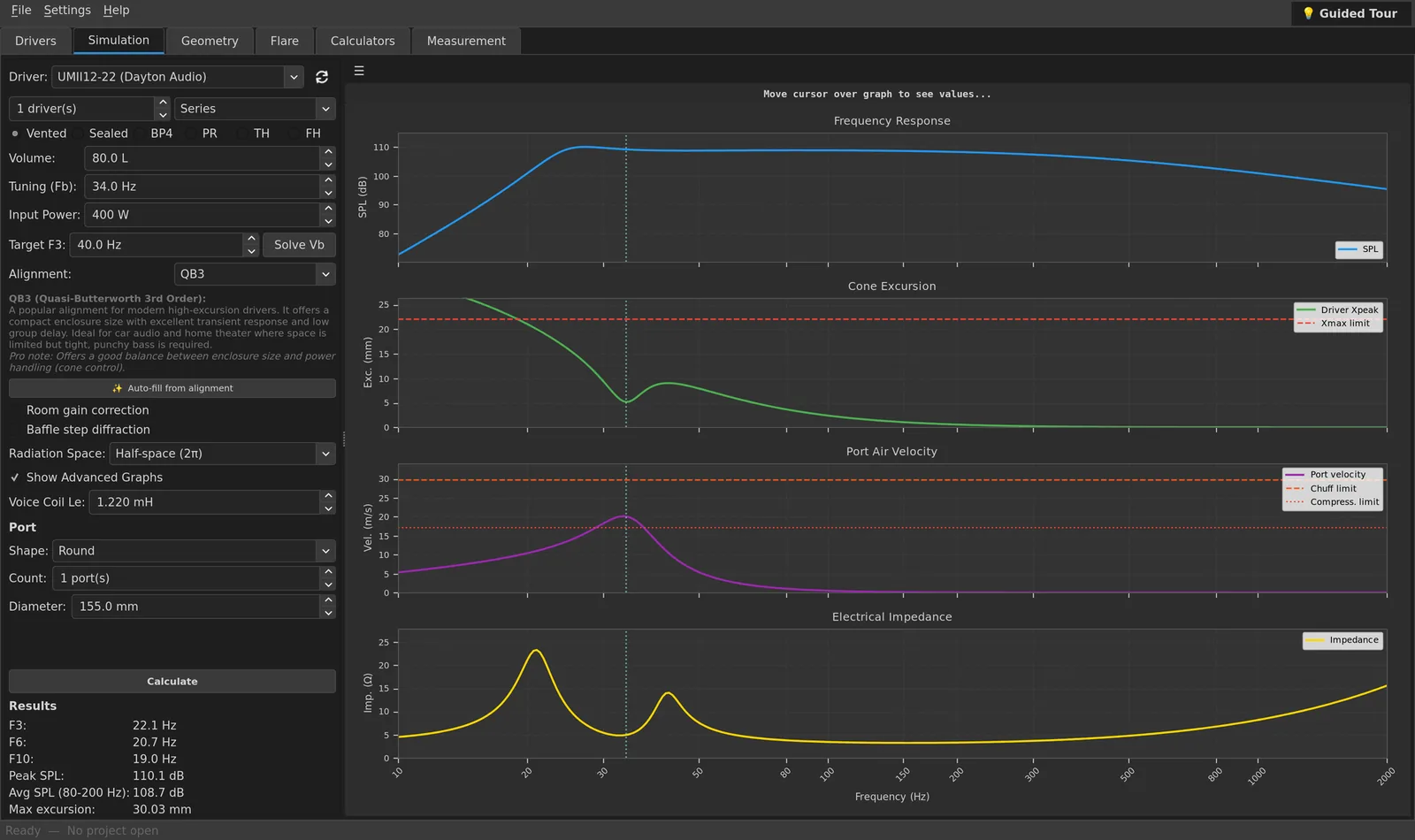
Custom port velocity modeling, cabin gain calibration, and driver alignment engineered to maximize efficiency and frequency extension for every setup.
Our dedicated desktop suite brings professional acoustic CAD simulation, 3D fit checks, and instant panel cutting list calculations right to your workshop desktop.
Ditch outdated simulators and spreadsheets. Solvex Audio merges acoustic science with structural design into one unified fluid workspace.
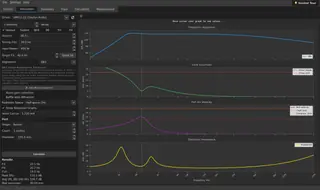
High-accuracy physics modeling for Sealed, Vented (Bass Reflex), Passive Radiator, 4th Order Bandpass (BP4), Tapped Horn and Folded Horn enclosures using Thiele/Small equations.
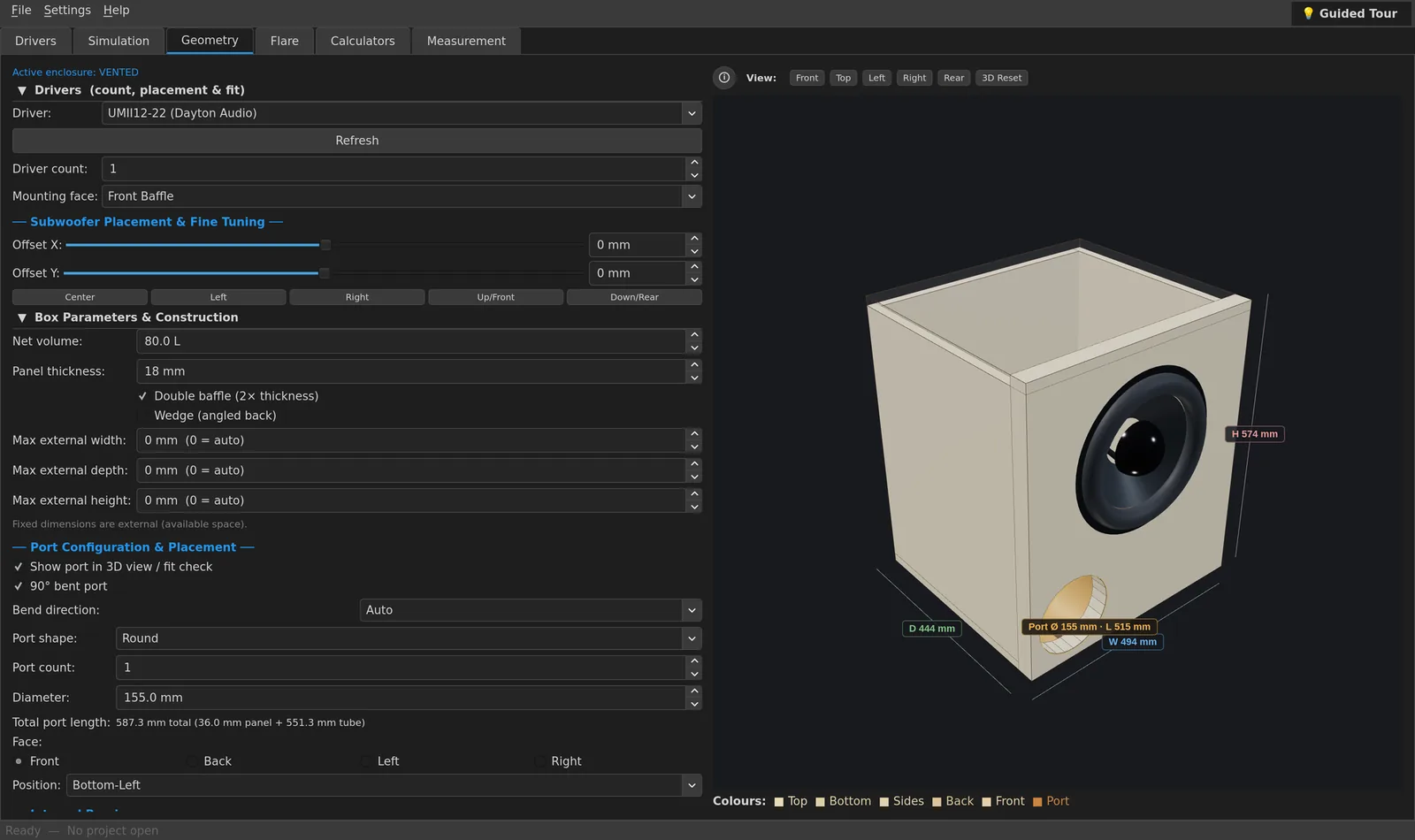
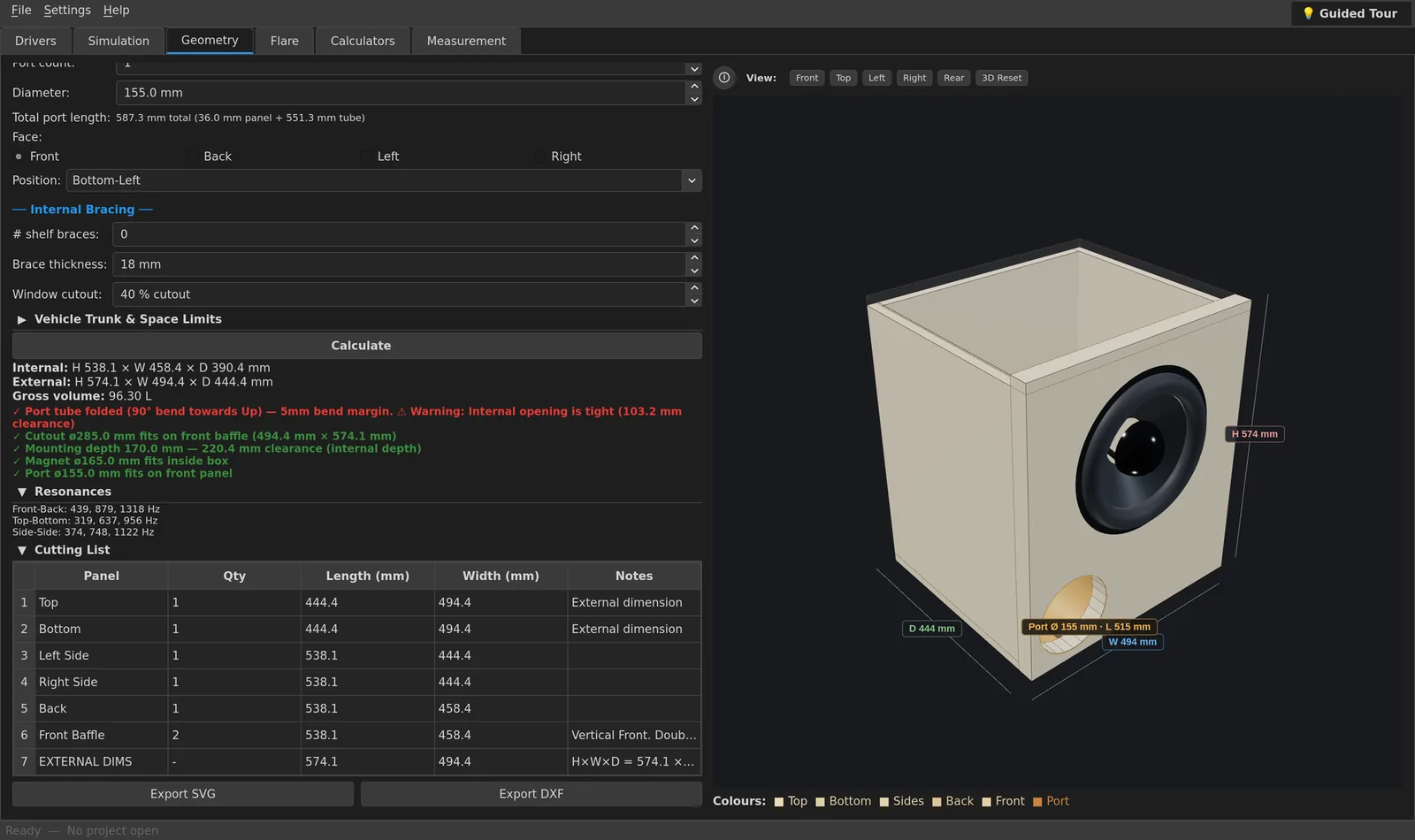
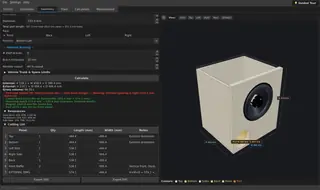
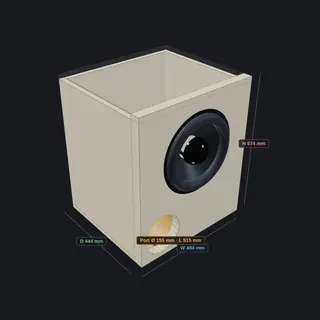
Input your target volume, and Solvex Audio immediately designs the cabinet panels. Supports double baffles, internal braces, and wedge-angled designs with bevel calculations.
Real-time warning notifications for physical driver magnet collisions, basket depth bounds, and acoustic port opening blockages (minimum 1x diameter spacing).
Model straight slot and round ports, or design 90° bent ports. Includes precise velocity chuffing analysis and Flare-it compliant safety margins.
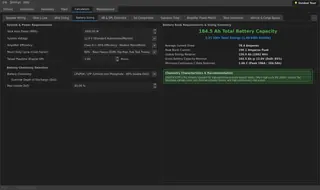
Includes Ohm's Law solvers, series/parallel speaker wiring impedance animators, wire sizing estimators (based on current/length), and db/SPL comparisons.
Simulate Tapped Horn (TH) and Folded Horn (FH) subwoofers. Set horn length, throat and mouth area, profile and tap positions, and see response and excursion alongside your other designs. (Pro)
Test your constructed cabinets directly from the application. Generate sine wave test sweeps to check for panel rattles, port noise, and air leaks.
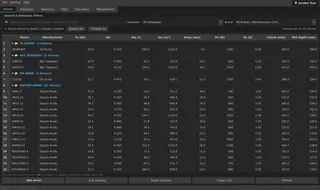
Explore the high-fidelity features and interface layouts built to streamline your loudspeaker design process.
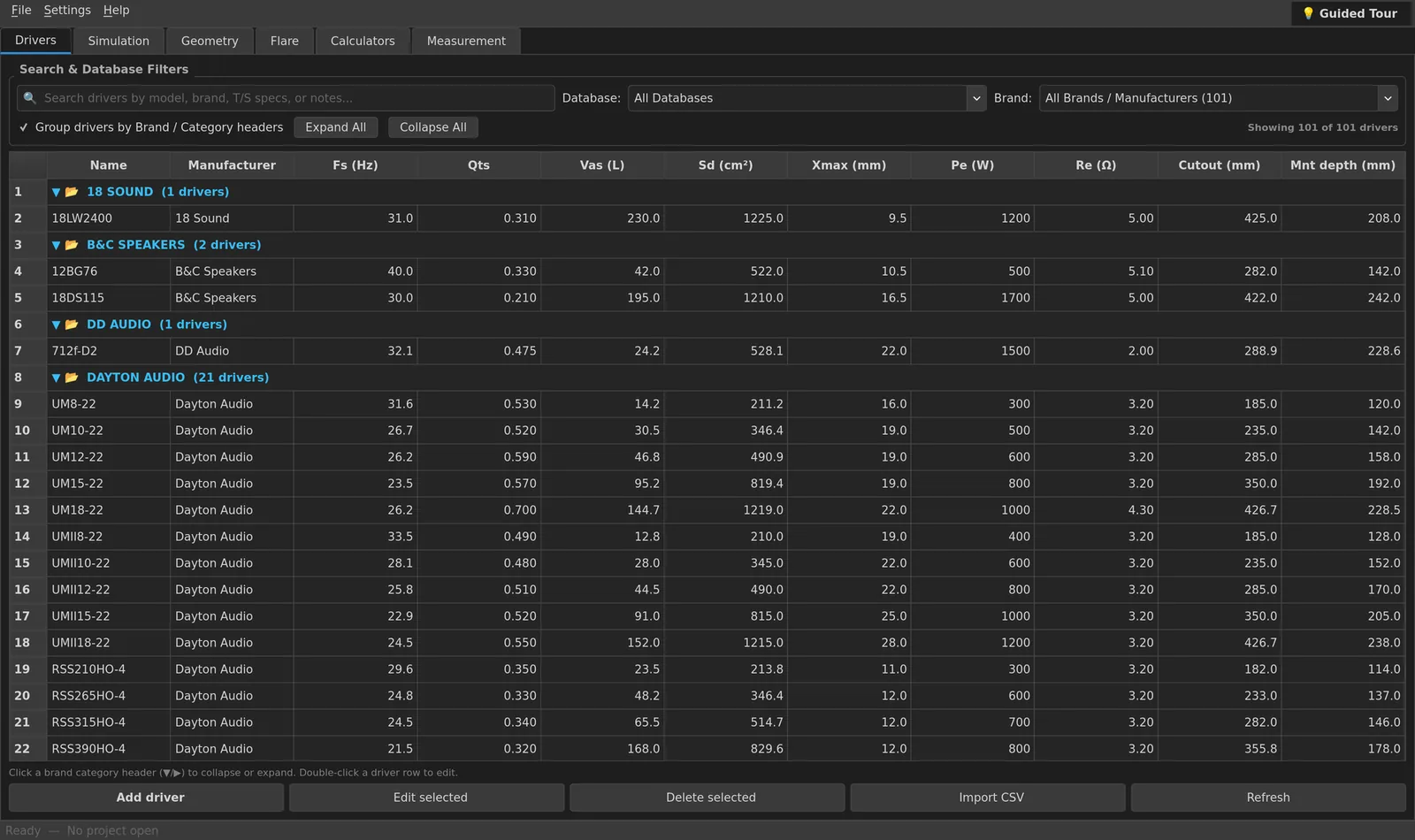
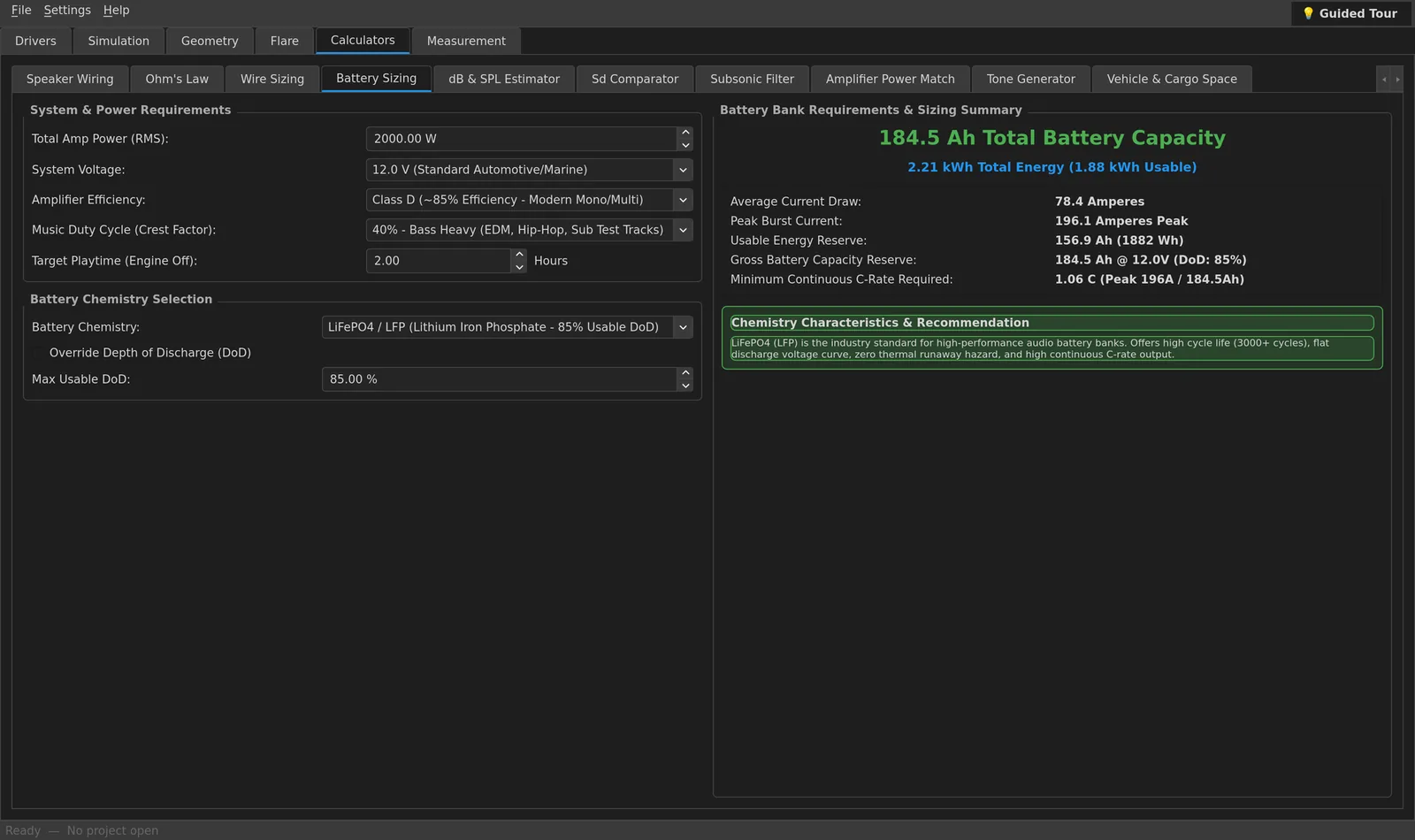
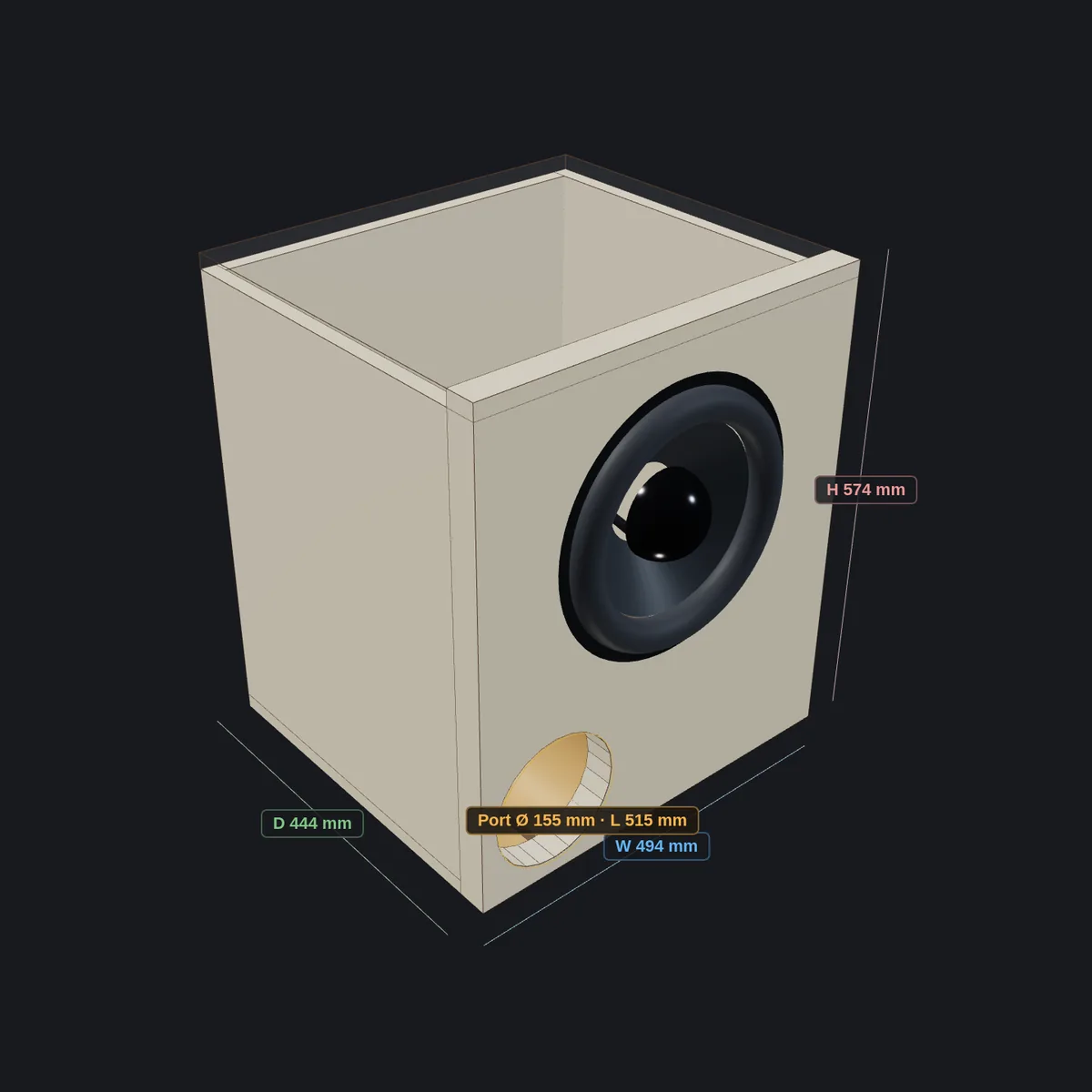
Pick the right package for your workshop. Get started with the free beta today.
Essential acoustic modeling for DIY enthusiasts.
Complete automation for serious speaker builders.
High-precision systems for custom shops.
All paid tiers include a 7-day free trial (no credit card required) and support a 72-hour offline grace period.
One download for every edition. The Basic edition is free forever, and during the Open Beta every Home and Pro feature is unlocked to try, with no account or payment details needed.
Unzip the download, then make the AppImage executable and run it from your terminal:
chmod +x Solvex*.AppImage && ./Solvex*.AppImage
Have questions about the beta, licensing, or compatibility? We have answers.
During the Open Beta, every feature is unlocked to test, free of charge. The trial is tied to your computer, so you don't need an account or any payment details. When the beta ends, the Basic edition stays free forever, and Home and Pro can be bought from the Pricing section.
Yes. Your licence is stored securely on your computer, so Solvex Audio runs without internet for up to 72 hours at a time. After that it needs a quick connection to check your licence, then you can go offline again.
Yes. Solvex Audio is a native app for both Apple Silicon (M1–M4) and Intel Macs, as well as Windows 10/11 and Linux. The macOS download is a zip containing the app: unzip it and drag Solvex Audio into Applications. Because the beta isn't signed by Apple yet, macOS may block it the first time. If it does, right-click the app, choose Open, then confirm.
Open the Drivers tab and click Import CSV to add drivers from a comma-separated (.csv) file. Solvex Audio also comes with a built-in driver library, grouped by brand, so you can start designing right away.